

Automated Data Protection
Run backups on demand or on a schedule, with automatic protection available for new users and Shared Drives.

Automated, secure backups for Gmail, Drive, Contacts, Calendar, and Google Tasks — data restoration is FREE for life, with or without a license.
How to setup? Initial Configuration Manual
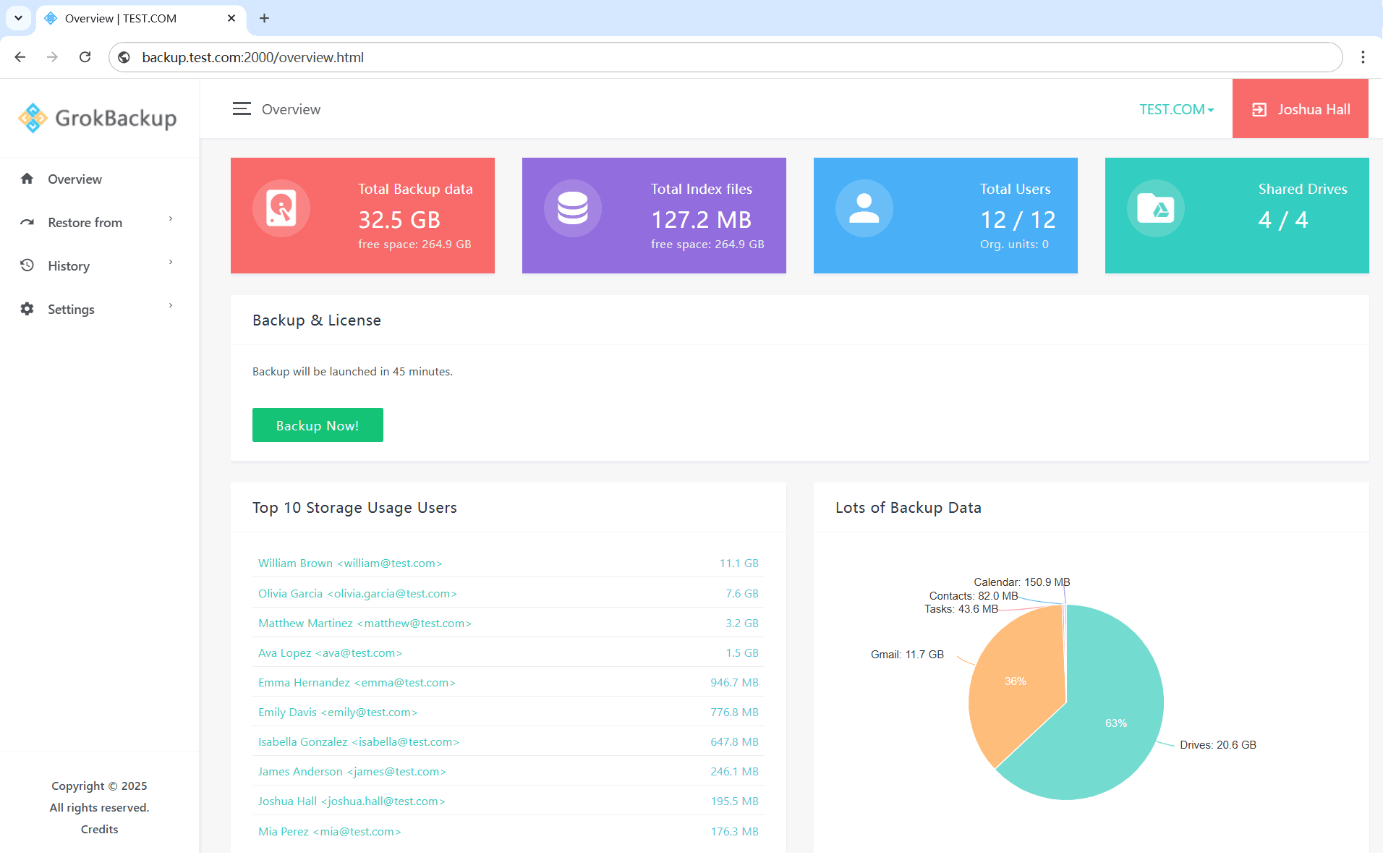


Protect Gmail, Drive, Contacts, Calendar, Tasks, and Shared Drives.
Configure each domain, monitor every job, and recover exactly what you need.

Run backups on demand or on a schedule, with automatic protection available for new users and Shared Drives.

Browse backups by date and selectively restore messages, files, folders, versions, contacts, calendar events, and tasks.

Store backups on local disks, Microsoft network shares, S3-compatible storage, Azure Storage, or Google Cloud Storage.

Choose protected users, Shared Drives, applications, schedules, Drive exclusions, and retention settings for each domain.

Download or export supported backup content as EML, original Drive files, vCard, iCalendar, or JSON.

Review backup and restore status, totals, details, and errors, while role-based accounts limit access by task and domain.